
Use explicit opt-in
Let members choose whether they receive server announcements by DM.
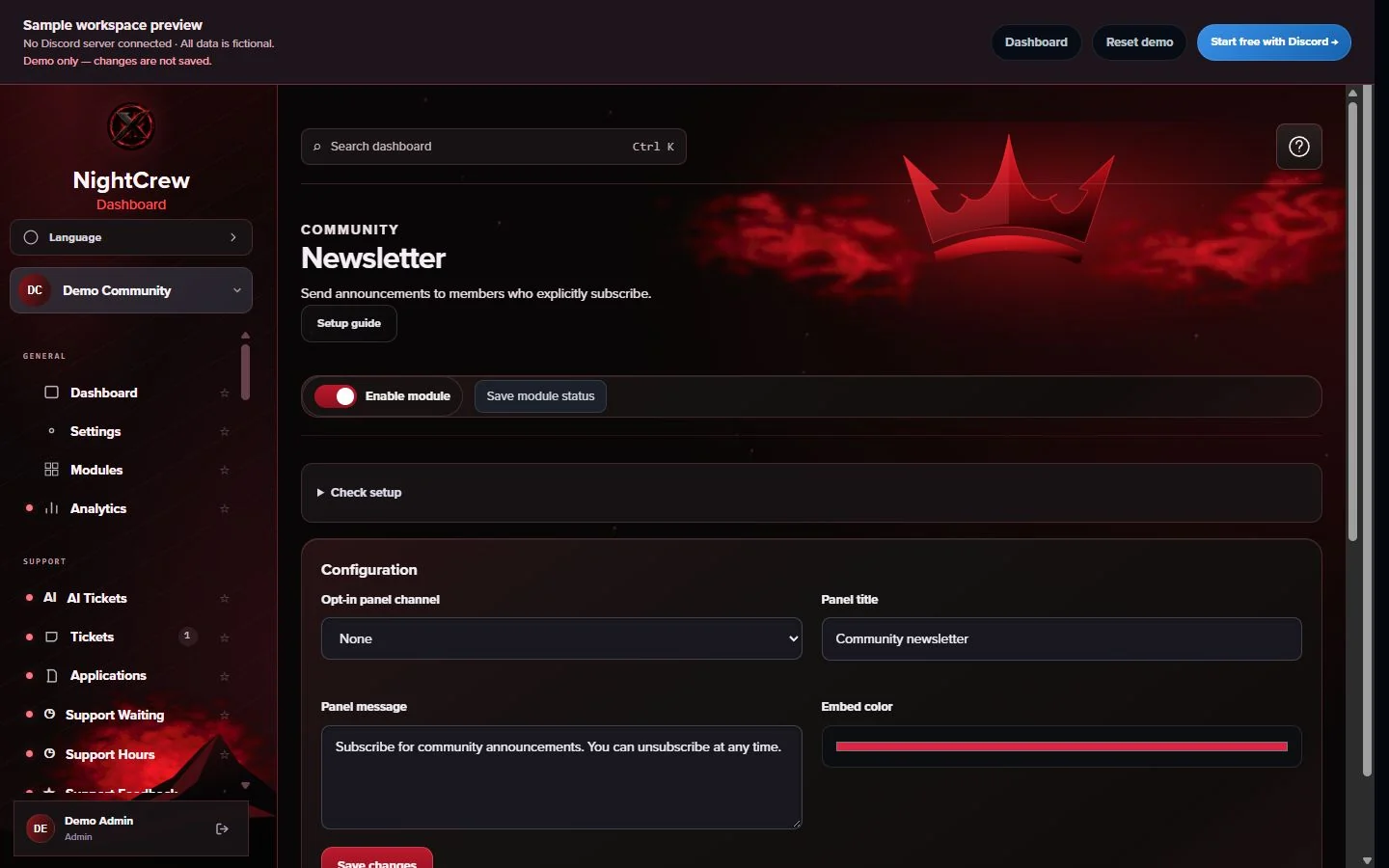
COMMUNITY / NEWSLETTER
Send announcements to members who explicitly subscribe.
Module availability and allowances depend on your server’s plan. Compare plans →
Let members choose whether they receive server announcements by DM.
Prepare your newsletter message in the dashboard.
Follow the available send history and results.
START SMALL. MAKE IT YOURS.
Use the full guide for every setting, permission, and troubleshooting step.
Open Newsletter documentation ↗Choose your opt-in channel and configure the signup message.
Ask members to subscribe before sending.
Review the message and recipients, then send deliberately.
BEFORE YOU SWITCH IT ON
Review the message and recipients, then send deliberately. Use the module’s setup guide for the complete permission requirements and keep the bot’s role above any role it needs to manage.
Check that you selected the correct server, enabled the module, and chose channels or roles from that server. Review the setup checks, Discord permissions, and the current service status before retrying an action.
Disabling a module preserves its saved configuration. Some recovery work can continue—for example, an existing temporary role grant can still expire. Review the guide before disabling a feature with active jobs.
Open the setup guide linked above or ask the support community. Include the module name and what you expected, without sharing tokens, passwords, or payment details.
KNOW BEFORE YOU CONNECT
Free starter access
Free starter access is available. Other feature-specific limits may apply.
These are creation allowances per server, except pending personal reminders, which are per member. Custom Bot adds a dedicated identity. Verify current access in your dashboard before checkout.
Compare plans and feature limits →